

Your whole vessel.
In your hand.
From everyday connectivity to voyages, wind and engines.
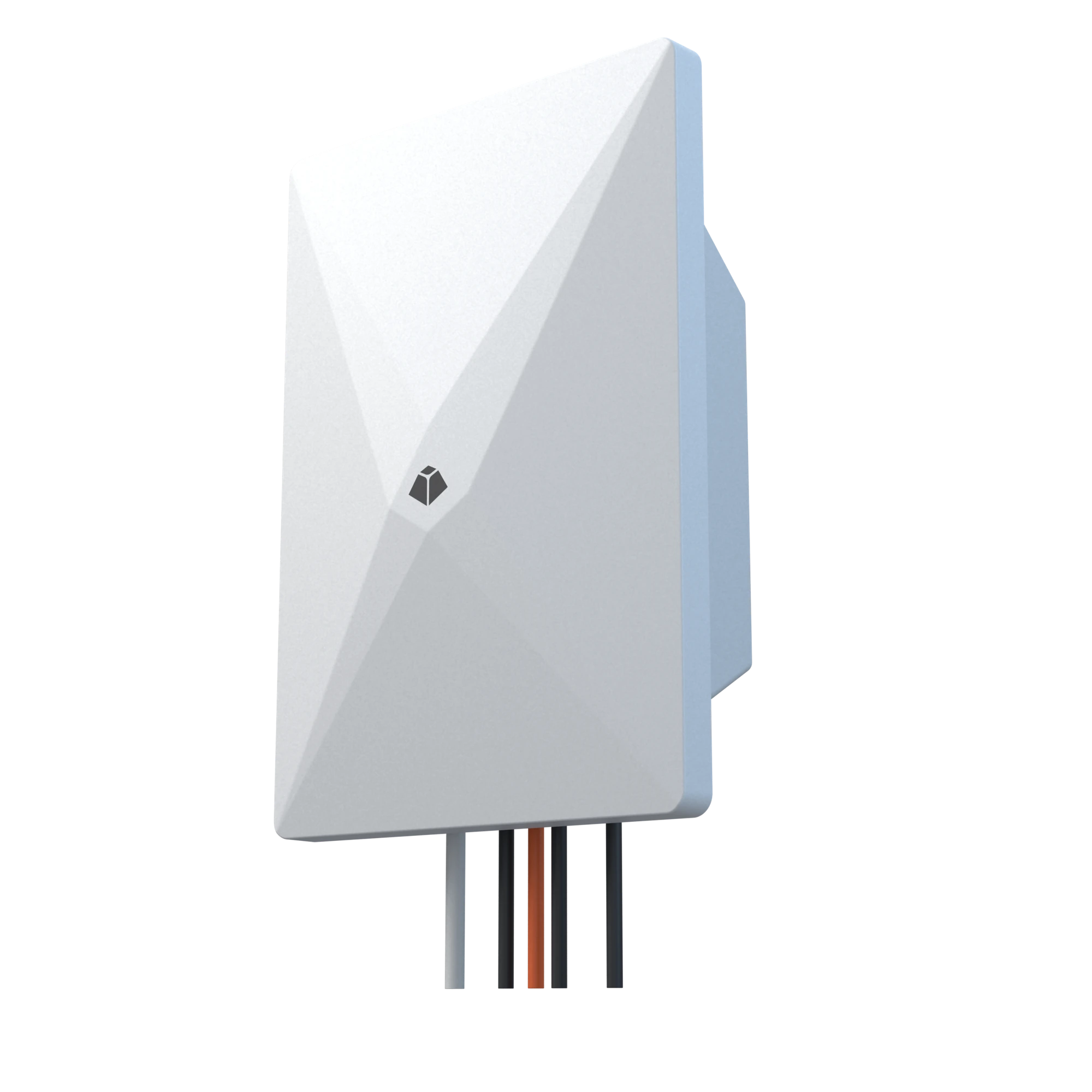
Connect to the Hub Terminal and take onboard information with you.
Every device has a role. All the information comes together.
The Hub Terminal connects it.
The App makes it clear.
01 / NETWORK STATUS EVERYDAY CONNECTIVITY
Your onboard network.
At a glance.
Are you connected? How strong is the signal? How busy is the network? Open the App to see the connection and live transfer rates in one view.
- See the connection path
- Internet, Hub Terminal and connected devices, shown together.
- Upload and download separately
- Check current transfer rates to understand network use on board.
- Network mode and signal, clearly shown
- 4G / 5G mode and signal strength have separate indicators, with everyday settings close at hand.
More settingsData usage & Network service+
Network service
SIM 1 · ActiveView usage by SIM slot, set the billing cycle and manage network preferences.
02 / DEVICE MANAGEMENT EVERY CONNECTION, IN VIEW
See who's connected.
Choose how they connect.
View routers, access points and user devices separately.
Give each device a recognizable name, set a speed limit or block access.
Keep everyday network use on board organized.
Select a device to view and adjust its settings
Network equipment, grouped together.
Keep routers and access points in their own group, separate from phones, tablets and other user devices.
See who's using the network.
View names, addresses, transfer rates and normal, limited or blocked status in one place.
Settings for each device.
Rename, change groups, set a speed limit or block a device, all in one place.
03 / WIND IN CONTEXT WIND × GNSS
Where the wind comes from.
Made clear.
An anemometer measures the wind passing the vessel. The Hub Terminal combines it with GNSS speed and heading to calculate true wind. Switch views in the App to see current conditions and how they change.
- True / Apparent wind
- View the natural wind separately from the wind felt on board.
- Read wind direction at a glance
- See the incoming wind in relation to the vessel.
- Turn changes into a trend
- View wind speed for today or the past 24 hours and revisit changes in conditions.
Anemometer interface included with the Hub TerminalWind functions require separately purchased accessories.
Wind force
NE045°
True wind from · Relative to true northWind history Peak 8.2 m/s
04 / VOYAGES ORGANIZED POSITION & VOYAGE
One position.
A voyage in context.
Place coordinates on the waterway. Link distance to a voyage.
Where you are, how far you've traveled and what's left.
Open the App and follow your journey.
Your position.
More than coordinates.
Channel, waterway mileage and vessel speed
are shown together, giving navigation context.
Every voyage
has a history.
Review past speeds and voyage records.
Keep a record of each journey.
05 / TWIN ENGINES TOGETHER ENGINE INSIGHT
Port and starboard.
Side by side.
Bring compatible engine readings to your phone. View RPM, pressure and temperature side by side, with less switching between screens and a clearer picture.
- Key readings in one place
- Compare each parameter to understand both engines' operating status.
- Show or hide readings
- Tap the icon beside a parameter to show or hide its value while keeping your familiar dashboard layout.
Engine interface included with the Hub TerminalViewing engine data requires separately purchased accessories. Supported readings depend on the engine model and integration configuration.
06 / SHIP TO SHORE ON BOARD. ON SHORE.
On board or ashore.
A view of your vessel.
On board, connect to the Hub Terminal over the local network.
Away from the vessel, view its status remotely.
A familiar interface for different parts of your day.
Add, configure and check status
Connect compatible anemometers, engines and other devices to the Hub Terminal, then configure and check their connections in the App.
Your connection changes. Your access rules stay.
Members access only what the device authorizes, whether connected locally or remotely.
Explore member permissionsApp & Device versions
View version and update information to keep benefiting from improvements on your phone and onboard devices.
LENTACK APP + HUB TERMINAL
Your onboard information. Traveling with you.
From individual devices to the whole vessel, stay informed whenever you open the App.